
Getting familiar with python and Jupyter notebooks
There are a lot of ways to get started with python coding and Jupyter notebooks. Some resources to look at could be:
You can skip the parts about installing python if you are using Jupyter Notebooks hosted by Google Colab. A good overview of Google Colab’s features can be found here: Google Colab features. Steps in SpectroWorks™Step 01: Log in
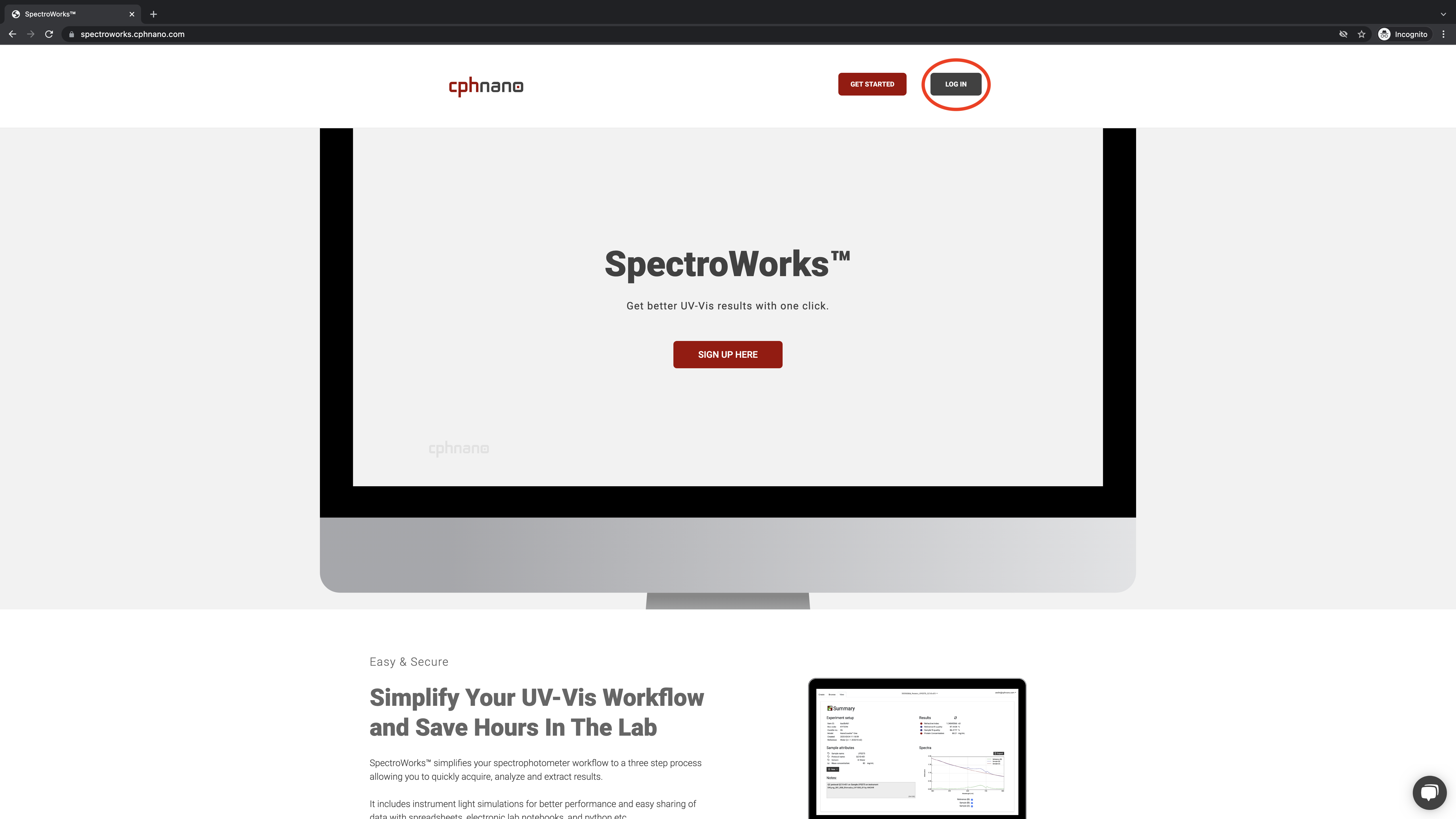
Start by logging into SpectroWorks™ at https://spectroworks.com/ by clicking on LOG IN in top right window. If you do not already have a profile, create a new profile by clicking SIGN UP in the bottom of the login screen.
Step 02: Create a project in SpectroWorks™
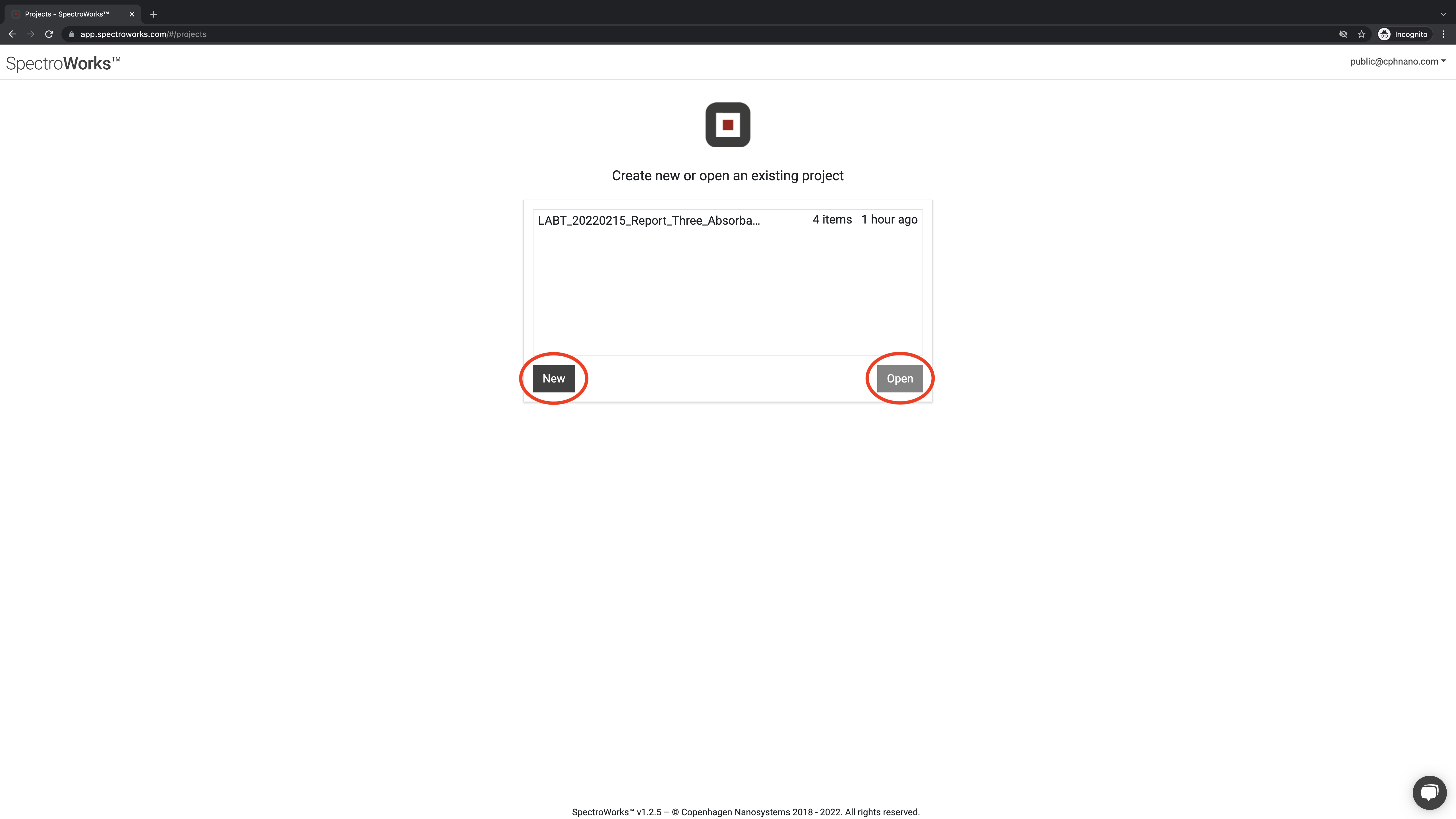
After you log in, choose NEW or OPEN an existing project.
Step 03: Select your three absorbances in SpectroWorks™
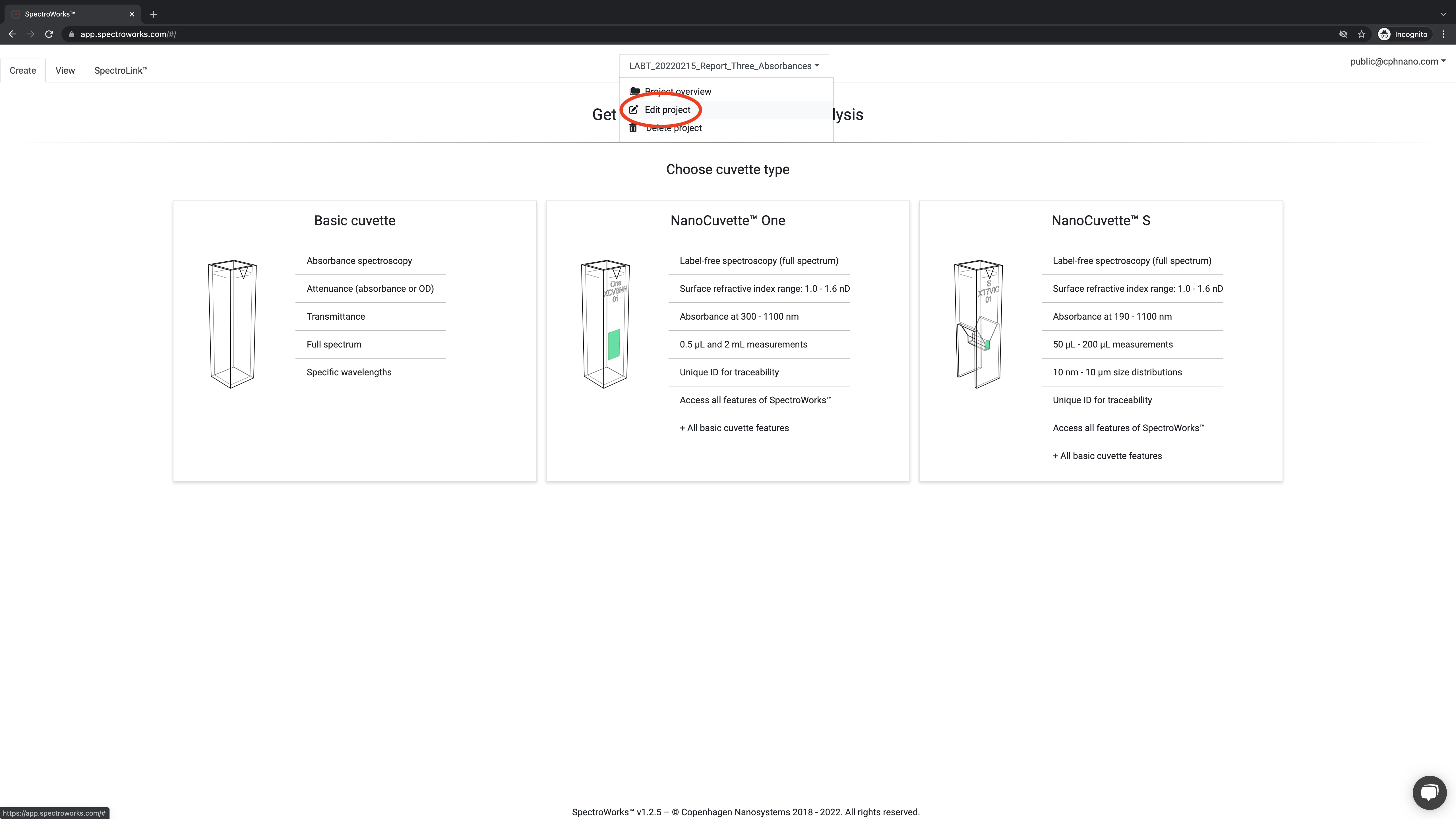
After setting up a new project, select Edit project to setup which parameters should be measured.
Step 04: Select parameters in SpectroWorks™
Select to add your desired parameters.
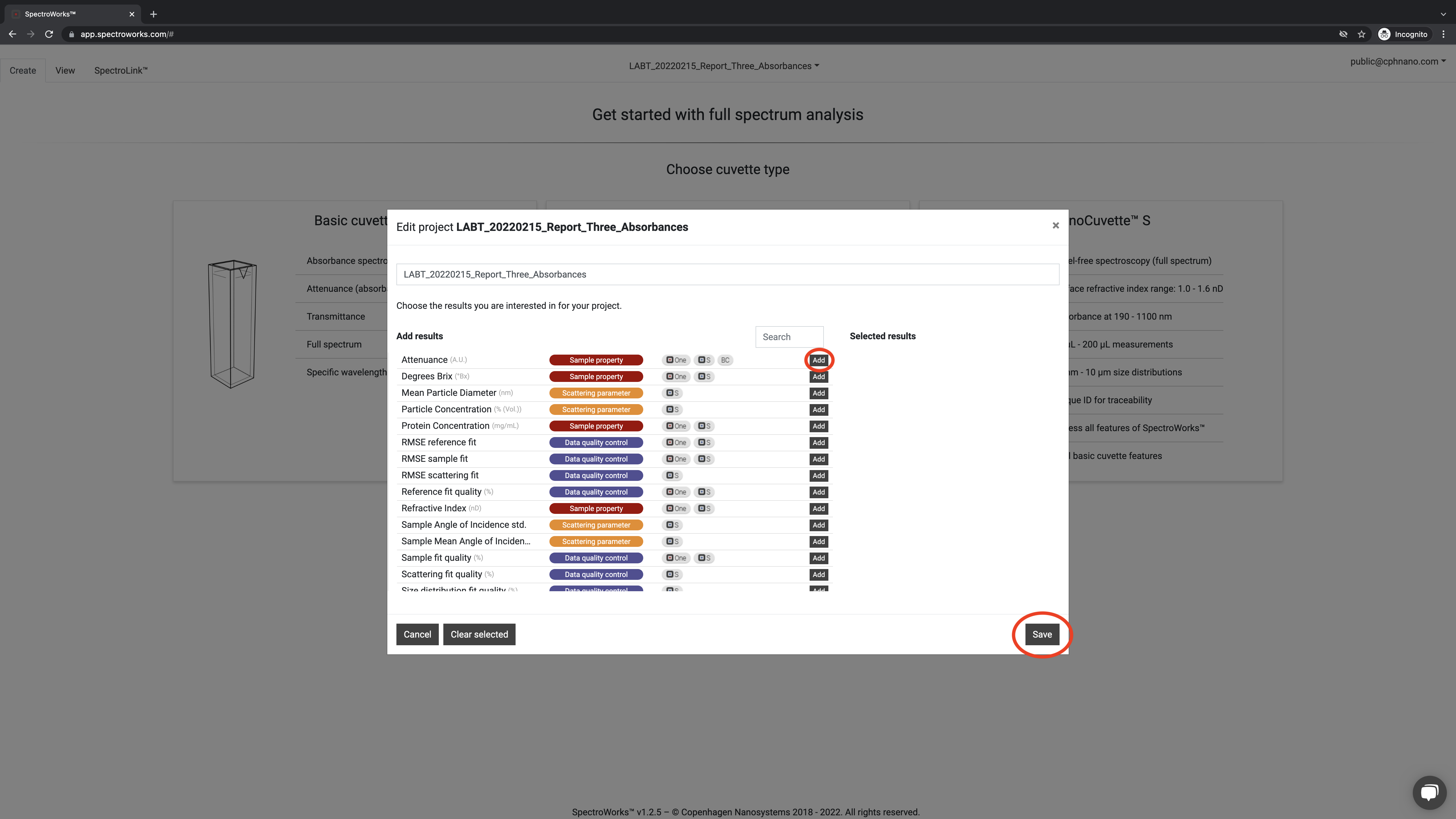
Next click ADD TO PROJECT.
Step 05: Upload spectral absorbance data into SpectroWorks™
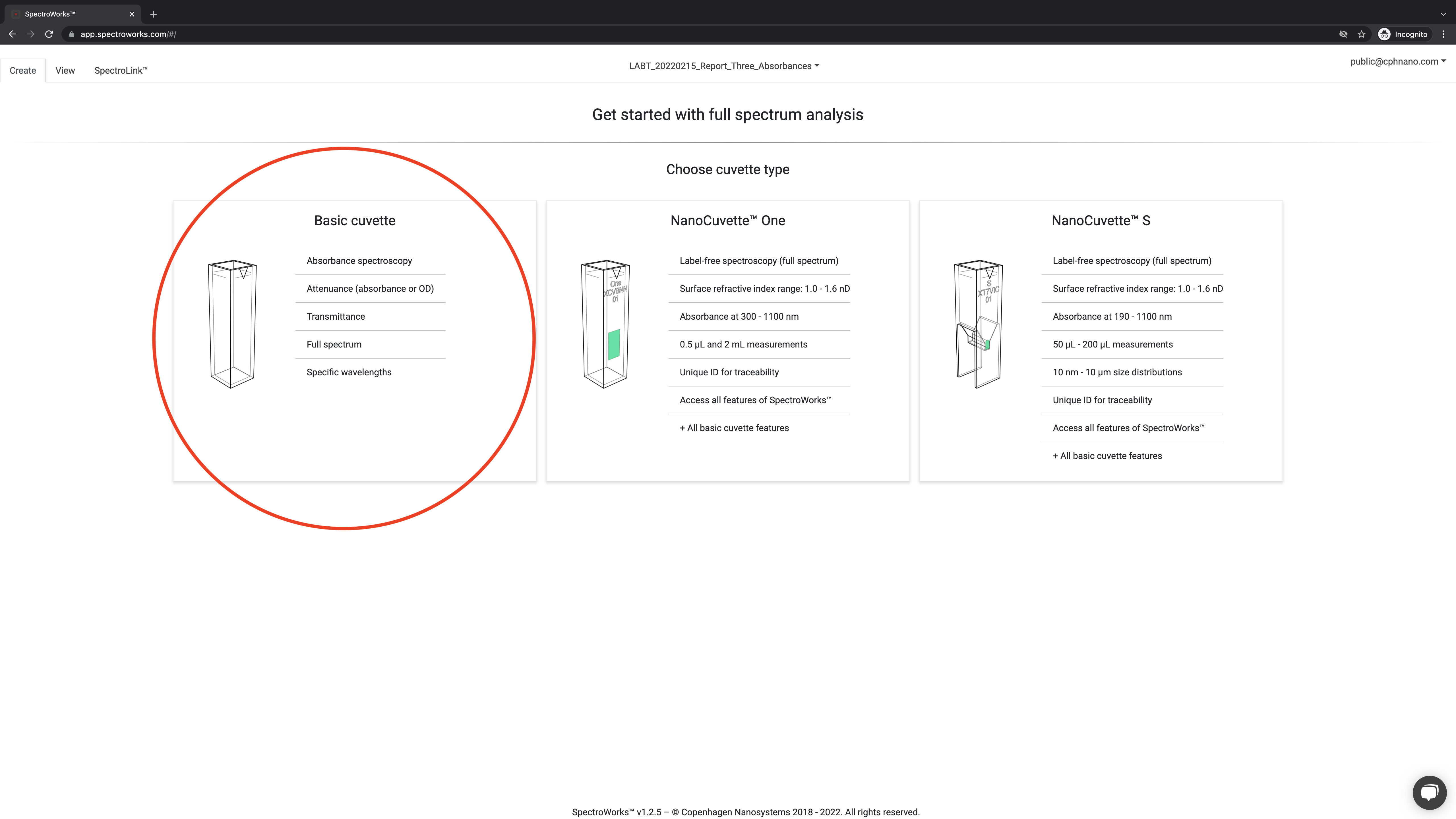
Start creating new Basic Cuvette, a SpectroCuvette™ One or SpectroCuvette™ S items in SpectroWorks by uploading data.
Next upload your spectrum to SpectroWorks™ by drag-and-drop the file or use a file browser. Alternatively, you can use SpectroLink™ to acquire the spectrum.